
Setup support
Get installation help through chat, remote assistance or clear instructions.
EasyMacro works with popular programmable mice from Logitech, Bloody, Razer and A4Tech X7. Select your platform to learn how macros are installed, configured and assigned to mouse buttons.
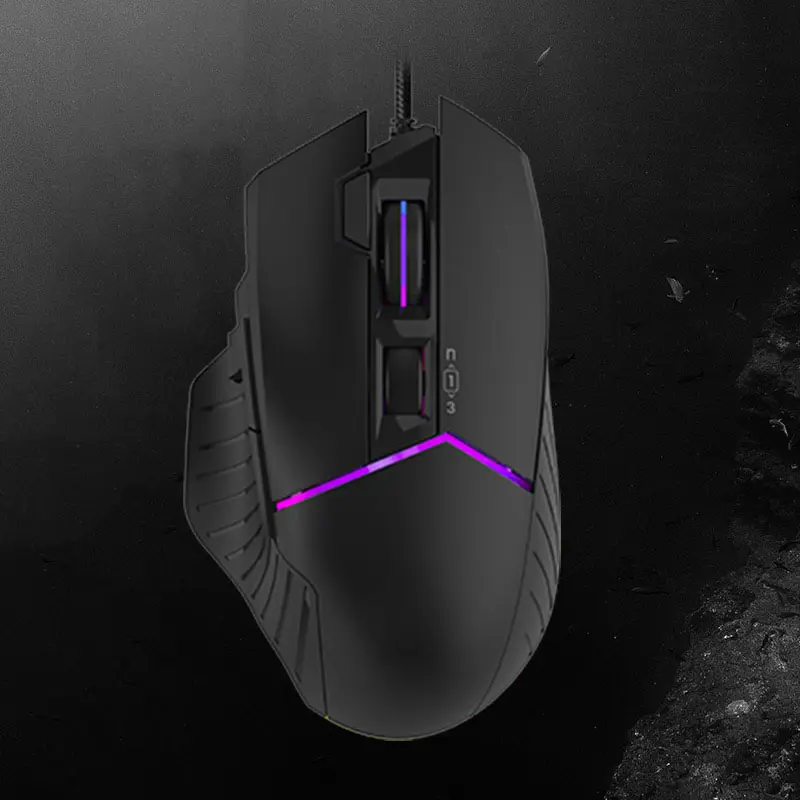
Bloody mice use Bloody 7 or WorkShop 8 to record sequences, configure delays and assign scripts to available buttons. We provide compatible macros and setup guidance for supported models.
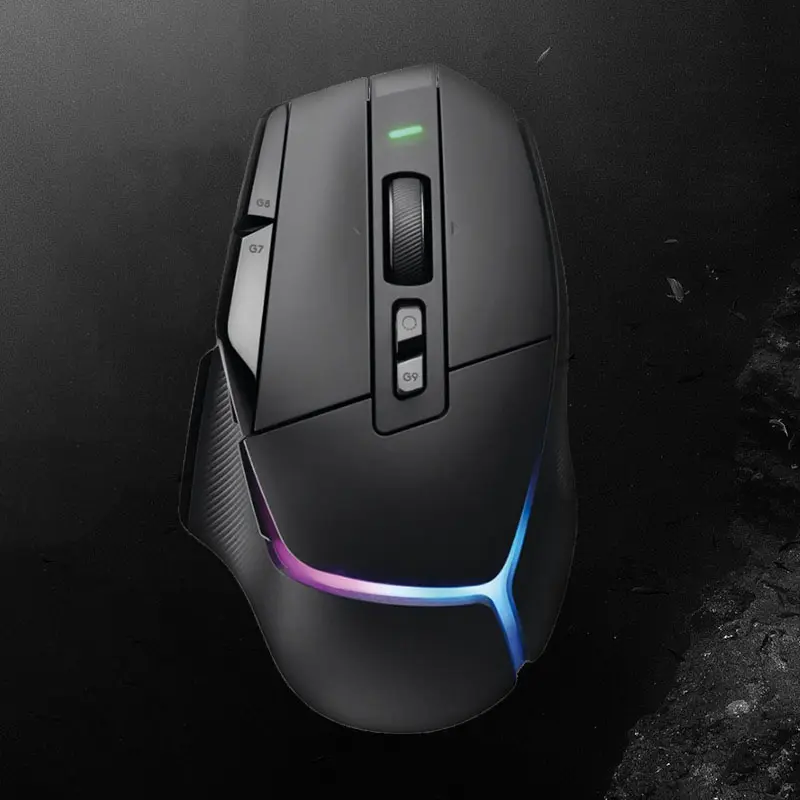
Logitech macros are configured through G HUB on current devices or Logitech Gaming Software on older models. Profiles, button assignments and repeat modes can be tailored to a specific workflow.
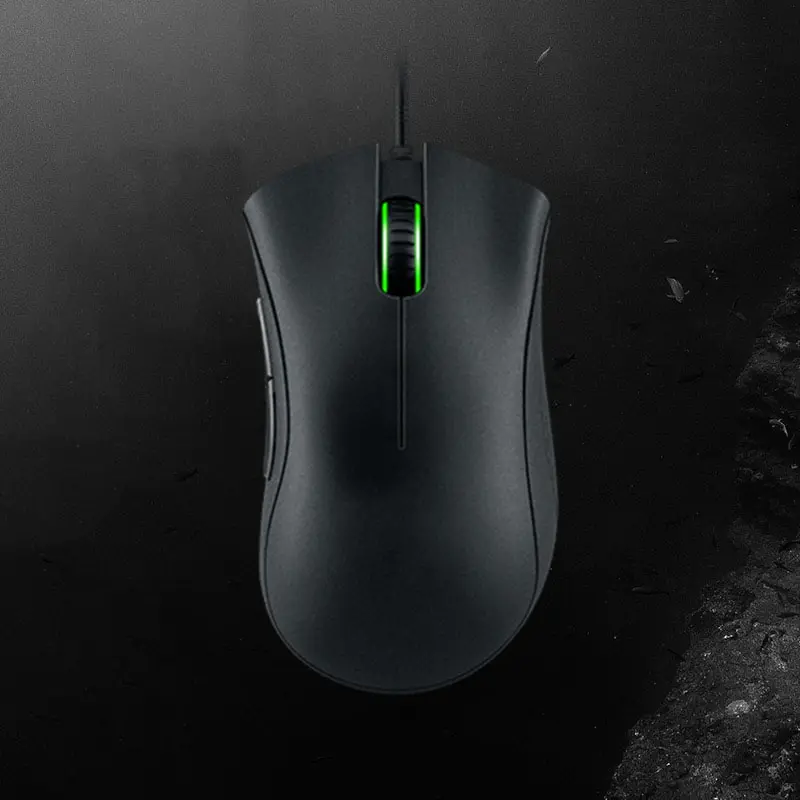
Razer Synapse 3 and 4 support recorded sequences, button remapping and per-application profiles. EasyMacro helps you choose and configure a suitable macro for your device.
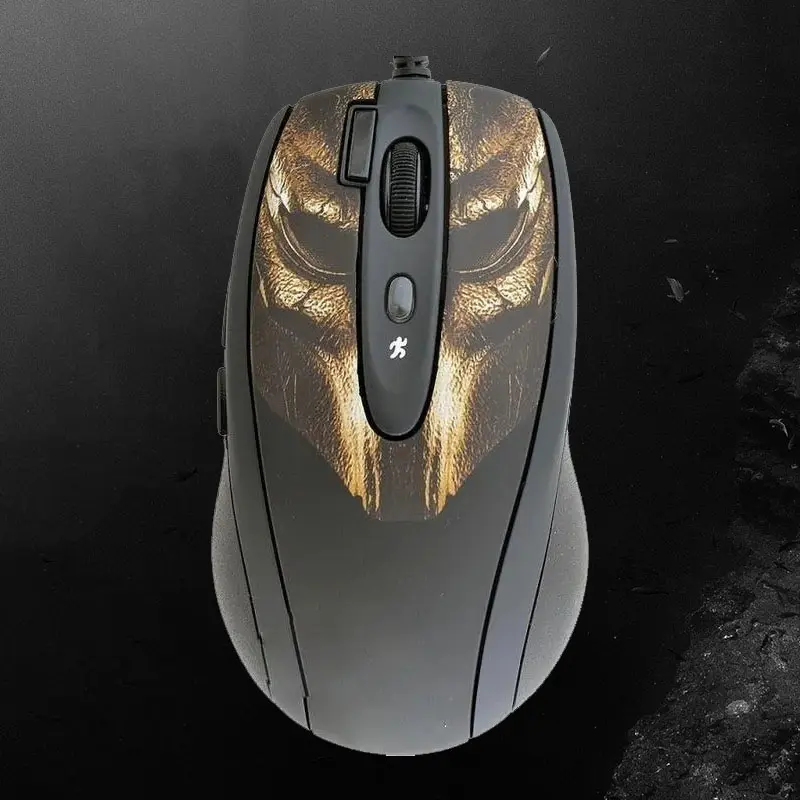
A4Tech X7 mice use Oscar Editor to program buttons, adjust timings and save compatible scripts. We provide ready-made solutions and clear installation instructions.
Get installation help through chat, remote assistance or clear instructions.

Products are maintained for current software and supported hardware versions.

Choose ready-made or custom solutions with clear pricing before purchase.

Request an individual macro designed around your device and task.

Keep access to your purchase and download available updates.

Customer feedback is connected to completed purchases through the payment platform.
A mouse macro is a recorded sequence of button presses, keystrokes, delays or cursor actions that runs when you press an assigned mouse button. Available functions depend on the mouse and its software.
Download the purchase, extract the archive and follow the included guide for your mouse software. If you need help, contact EasyMacro support.
Open the personal purchase page linked to your email, download the latest available file and follow the included replacement instructions.
The catalog includes products for Logitech, Bloody, Razer and A4Tech X7, plus selected universal solutions. Check the product description before ordering.
Yes. Contact support and describe your mouse model, software version and the action you want to automate.
Select your mouse platform and open the catalog for full details.
Custom and ready-made macro solutions for Logitech G HUB compatible mice.
From 10.00 USD View in store
Macro bundles and configuration support for compatible Bloody 7 and WorkShop 8 mice.
From 7.00 USD View in store
Custom and ready-made sequences for supported Razer Synapse devices.
From 10.00 USD View in storeReviews displayed through our sales platform come from customers who completed a purchase. EasyMacro does not rewrite customer opinions or manufacture ratings.
Orders and payments are processed by Digiseller and Oplata.info. The secure payment page creates a purchase record linked to the customer email.
From the personal purchase page, customers can:
This purchase-linked process makes feedback traceable and gives customers a clear place to receive files, support and updates.